The power of the Helix is immense.
It’s one thing to have next-generation processing power, but it’s quite another to put that power to use in multiple user-friendly ways that have never before been achievable.
It’s clear that digital modelling has long since been something to take seriously. We all know that today’s modelling has gotten past the point of being convincing – Mark Knopfler ‘going digital’ for touring says it all to the naysayers – but there’s much more to it than just wholly convincing amps and effects models.
This brief blog highlights some interesting and highly useful features of Line 6’s flagship Helix Floor unit. For Helix users, we hope to show you a couple of ‘special moves’ that you can incorporate into your own use of the unit. For players out there who have not yet tasted the power for themselves, perhaps these little insights will help you understand what you’re missing out on!
Custom Impulse Responses
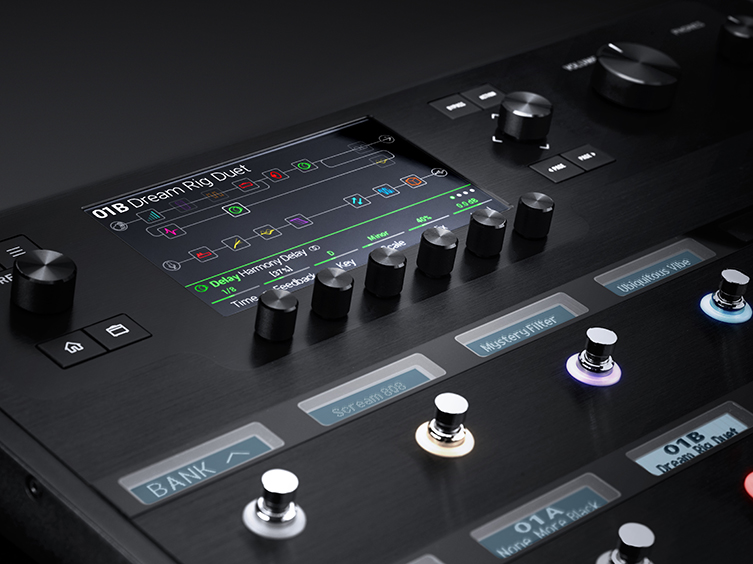
The difference between ‘good’ amp modelling and ‘great’ amp modelling is Impulse Response, or IR for short. IR refers to the physical behaviour of speakers when sound is passed through them, as well as microphone, pre-amp and room behaviour. This is a significant element in providing realistic ‘feel’ to the player.
The Helix does not create Impulse Responses itself: you download these, either as free or paid data. Line 6 make IR packs but you can find these available in other places too. IR’s fill the gap of realism that moves digital modelling sounds from the ‘uncanny valley’ into legitimately convincing sounds. Download these via USB and use them in your patches.
OK, here’s the real tip: the Helix can also handle acoustic guitar Impulse Responses.
This means you can potentially make any budget electro acoustic guitar behave sonically like a top-shelf Martin, Gibson, Lowden or other premium acoustic guitar! Not bad!
Some people don’t even realise that the Helix is designed for both electric and acoustic guitars. In fact, it goes a lot further: the Helix can comfortably handle bass and even vocals too! This actually brings us to the next point...
Routing Capabilities
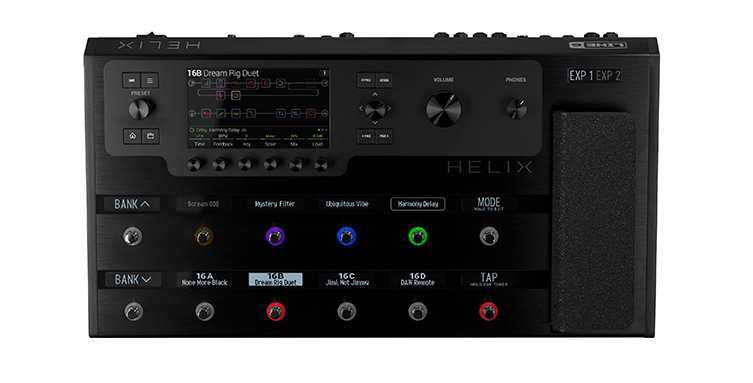
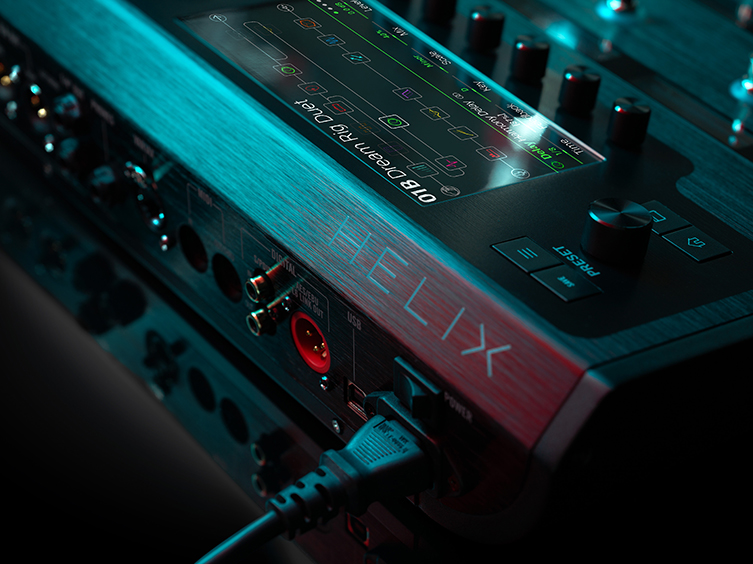
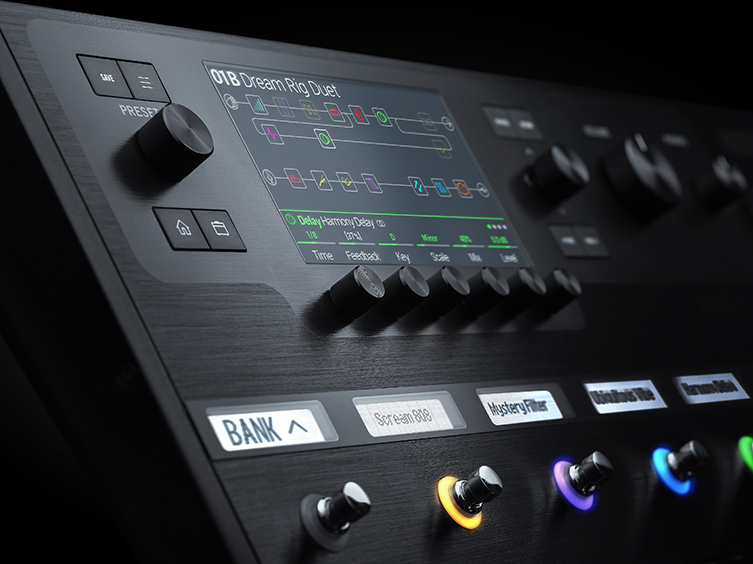
Due to the massive processing power of the Helix, and the abundance of physical connections, you can effectively make a single unit into a real nerve centre of operations. The two signal paths you see on screen (one for each processing chip) is actually able to handle 2 stereo/4 mono signals EACH!
Consider this a second: this means that, depending on the level of processing required by each instrument (the component blocks on screen that you use to build sounds will ‘grey out’ if they are too power-hungry for what you’ve already chosen), you can have a lead guitar and a rhythm guitar plugged in simultaneously, or a guitar and a bass, or even a guitar and a vocal! Any permutation of any of those will work, and if you are happy with a mono output (which most guitarists are) then you can potentially have four instruments plugged in at once!
Yowsers!
Amp Options
Each of the amp models on the Helix is actually available in three guises: as an amp model (the way you’d expect to use it), as an amp & cab (if you don’t want to select your own combination) and as a pre-amp only. This last option is for those who still want to make use of their physical amplifiers: if your guitar amp has a send/return, you’d use this mode to incorporate the amp within the Helix’s technology.
This mode is also true for those who want to use a power amp and cab, or an ‘amp stage’ pedal and cab. This versatile nature allows every type of guitarist to have their own preference in how they factor the Helix into their personal set up.
Snapshots
Each patch can be set up to have 8 variations of its overall pieces, all spread out across the footswitches. For example, if you have a patch with, say, overdrive, chorus, delay and compression in addition to an amp and cab model, Helix can take your patch and offer 7 further variations of this patch, like more gain, thicker chorus, greater delay feedback, less compression etc. Each snapshot will have various parameters changed, for a fine palette of tonal options that are all in the same ballpark that you initially selected. These all spread throughout the Helix’s footswitches, giving you easy access just when you need it.
This feature may sound a little ‘peripheral’ when compared to more obvious benefits but just try it out and you’ll see how much you end up using it! We applaud Line 6 for including this ingenious user-friendly feature.
Epic Changes
So, stepping on a pedal assigned for, say, a solo boost would normally mean that that particular parameter is changed by the foot press. With the Helix, you can assign multiple parameter changes to a single ‘stomp’. In fact, you can make up to 64 different changes to your sound and activate them ALL at once with a single press of the switch! 64 is loads of power, perhaps more than you need, but the potentials are endless: drive levels, EQs, filters, delay repeats, all of these little tweaks, big and small, can change immediately whilst you play! It’s a phenomenal feature to have under your feet.
Another cool thing to note is that every patch has wet and dry outputs. This allows you instant options for your output devices. Be that an amp plus DI or another combination of devices, it’s another smart move for guitarists who need flexibility in order to sound their best during a live performance.

Final Thoughts
We hope these little tips prove useful to Helix users out there! It’s a massively powerful device and, even if you don’t end up using its full arsenal of features, we expect it’ll be able to cater to every need that you do have!
For those who do not use digital modelling, we hope this article may have help describe some of the less obvious benefits that you may be missing out on.
Try one out today at your local guitarguitar store and experience the sound, realism and quality for yourself! Thanks to Robert Wilson, one of our resident Line 6 Helix experts, for his advice and tips.